Appearance
4.3.2 Ragtown
📝 Summary
Audio interactives with handsets recreate stories from Ragtown. Visitors lift a handset at each station to hear the recorded story audio, including an induction (hearing-loop) handset for hearing-aid users.
📦 Equipment
| Device | Model | Quantity | Location |
|---|---|---|---|
| Media Computer | Intel TBD | 1 | MDF Rack |
| Phidgets SBC | SBC3003_0 | 1 | MDF Rack |
| IP Power Distribution | NP-02B | 1 | MDF Rack |
| AKG Headphone Amplifier | HP4E | 1 | MDF Rack |
| Molitor Handset | USO | 3 | Exhibit |
| Molitor Inductive Handset | VIA | 1 | Exhibit |
| Williams AV Loop Driver | CLD001USCX | 1 | MDF Rack |
🎨 Renders
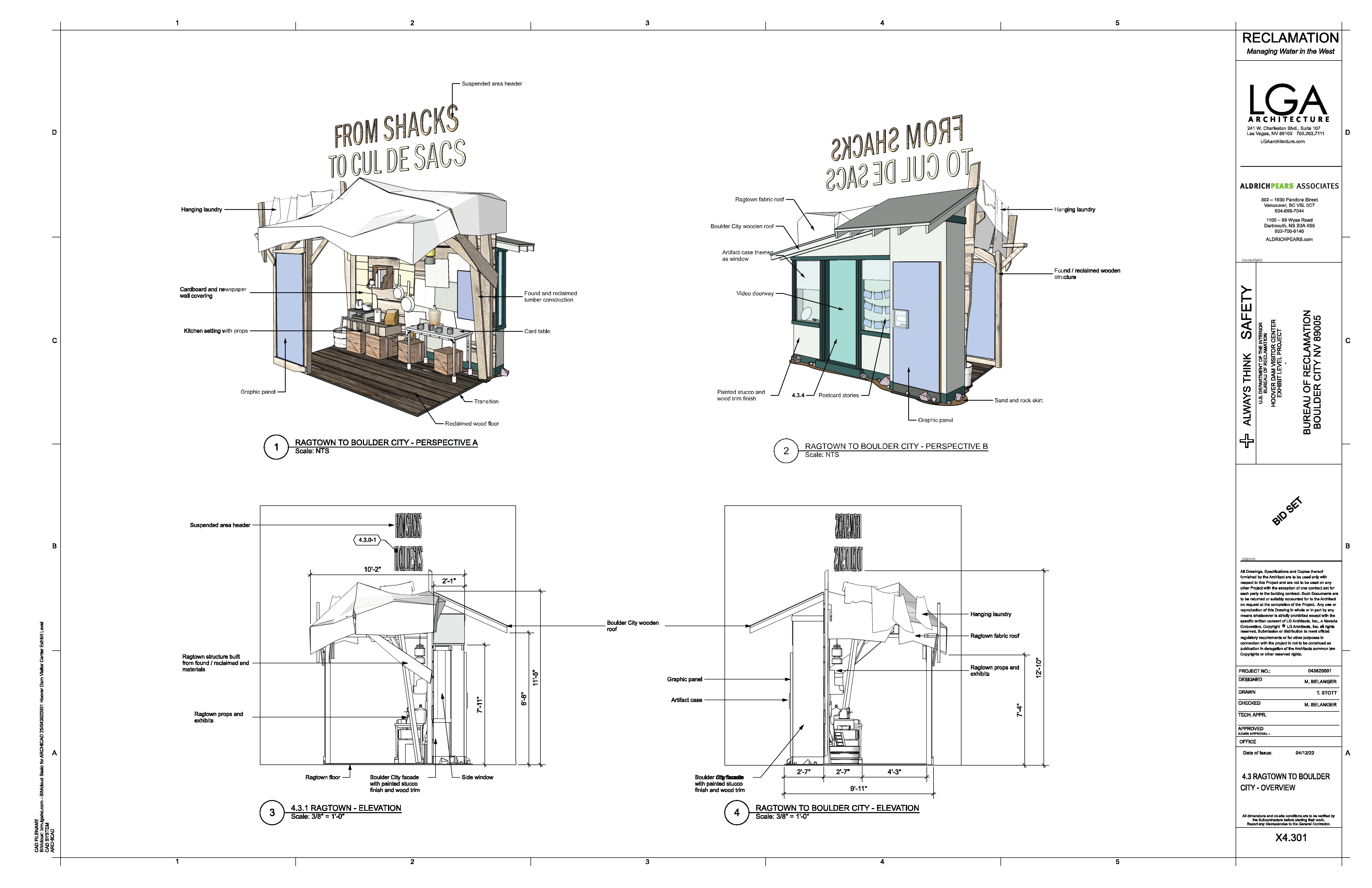
🔌 Wiring Diagram

🎛️ Controls
🛠️ Operation
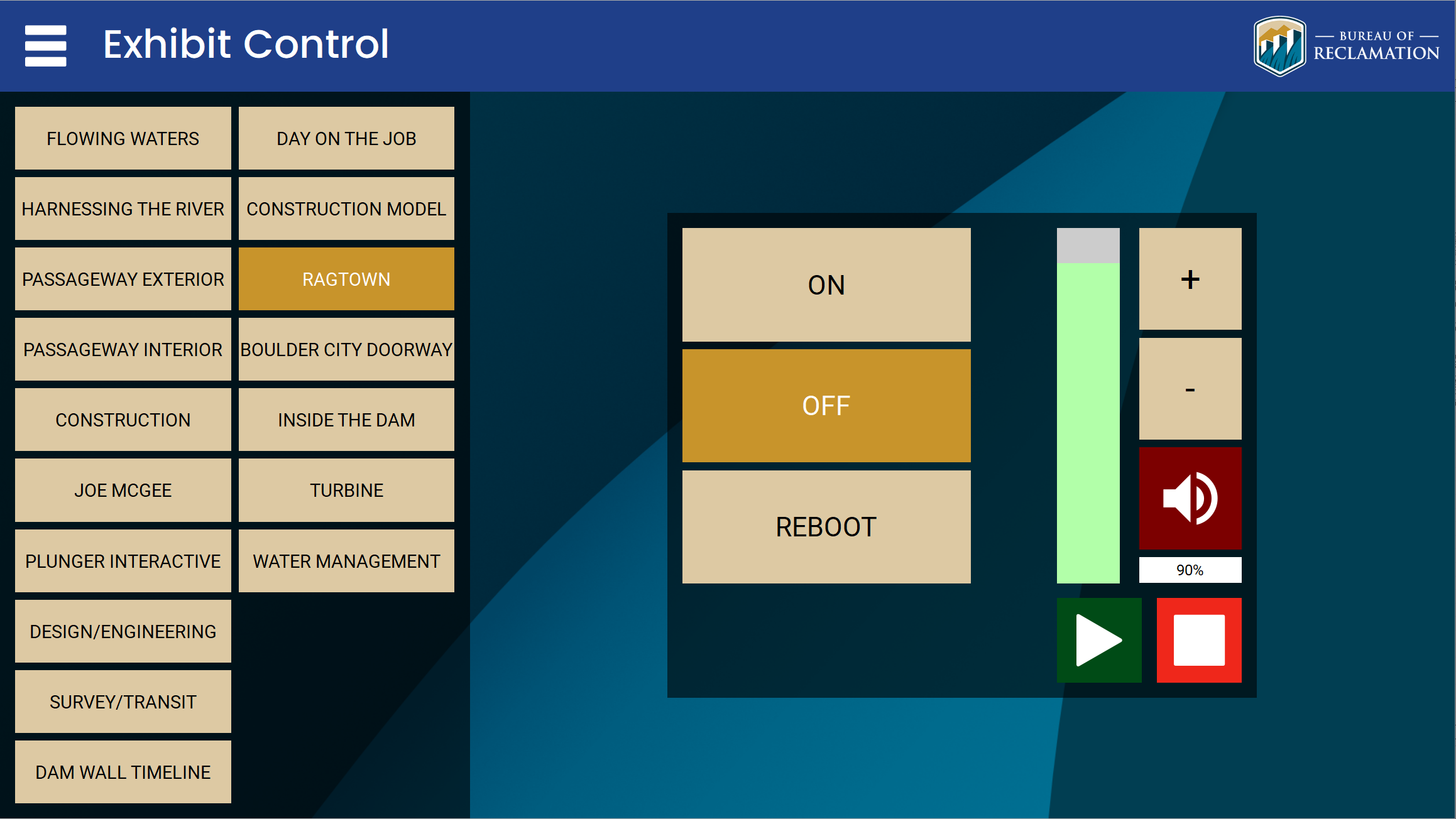
- The system comes on automatically on the global schedule (7:00 AM to 6:00 PM), or you can override it from the control tablet.
- A visitor lifts a handset to hear the Ragtown story audio for that station.
- Confirm each handset plays its clip clearly when lifted and stops when returned to its cradle.
- Confirm the induction (hearing-loop) handset passes audio to a hearing aid set to telecoil, driven by the Williams AV loop driver.
🧰 Maintenance
- Inspect each handset and its cradle switch. A handset that stays silent when lifted is usually a coupler or cradle-switch fault at that one position, not a system fault. Note the exact station affected.
- Confirm the AKG headphone amplifier is powered and passing audio to all handsets.
- Confirm the Williams AV loop driver shows a normal status indication for the induction handset.
- Wipe down handsets periodically for guest hygiene.
⚙️ Configuration
Applications Used
- Williams AV loop driver configuration - Used to set and verify the induction (hearing-loop) driver for the inductive handset.
- Synaccess netBooter web UI - Used to power-cycle the exhibit's media and audio devices through the NP-02B IP PDU.
- Phidget control panel - Used to verify the SBC3003 single-board computer and the handset trigger inputs.
🔧 Troubleshooting
One handset is silent or much quieter than the others when lifted
Why
On a handset exhibit a single silent position is usually a coupler or cradle-switch fault at that one station, not a system fault.
Do this
- Note the exact station that is silent or low.
- Confirm the neighboring handsets play normally when lifted, which points at that one coupler or cradle switch.
Still stuck
Report the affected station to support. Coupler repair is handled on a scheduled visit.
The induction (hearing-loop) handset passes no audio to a hearing aid
Do this
Confirm the Williams AV loop driver shows a normal status, and report it if the loop is not passing audio.
If the first action does not resolve it, contact the KMI AV support team: Brian Alexander, 214-799-1850, Brian.Alexander@OnyxIntegrations.com.